


SpotOnTask may remove a task, offer, message, review, or account activity that is unlawful, unsafe, deceptive, exploitative, or unrelated to a genuine task. This guide gives common examples but is not an exhaustive list.
Illegal, dangerous, or regulated activity
- Illegal drugs, stolen property, weapons, violence, vandalism, or instructions to break the law.
- Tasks that expose people, animals, property, or the public to unreasonable danger.
- Work requiring a licence, permit, qualification, or approval when the Worker does not hold it.
- Alcohol purchase, sale, supply, or delivery.
- Escort, sexual, or adult services.
Fraud, manipulation, and misleading activity
- Fake tasks, offers, reviews, ratings, referrals, accounts, qualifications, or completion history.
- Payments for sign-ups, clicks, reviews, ratings, or other artificial engagement.
- Requests to impersonate someone, evade controls, or misrepresent a product or service.
- Offers of rewards or discounts in exchange for favourable reviews.
Privacy and data misuse
- Scraping, harvesting, buying, selling, or compiling personal contact information.
- Bulk cold calling, cold emailing, lead lists, or campaigns whose main purpose is lead generation.
- Requests for passwords, authentication codes, TFNs, payment-card details, or unnecessary identity documents.
Platform misuse
- Advertising, promotional listings, unrelated discussion, spam, or content without a defined task outcome.
- Partial, quote-only, commission-only, or open-ended payment arrangements instead of a fixed total.
- Requests to pay or refund outside SpotOnTask.
- Creating duplicate accounts or activity intended to bypass restrictions or fees.
If you are unsure
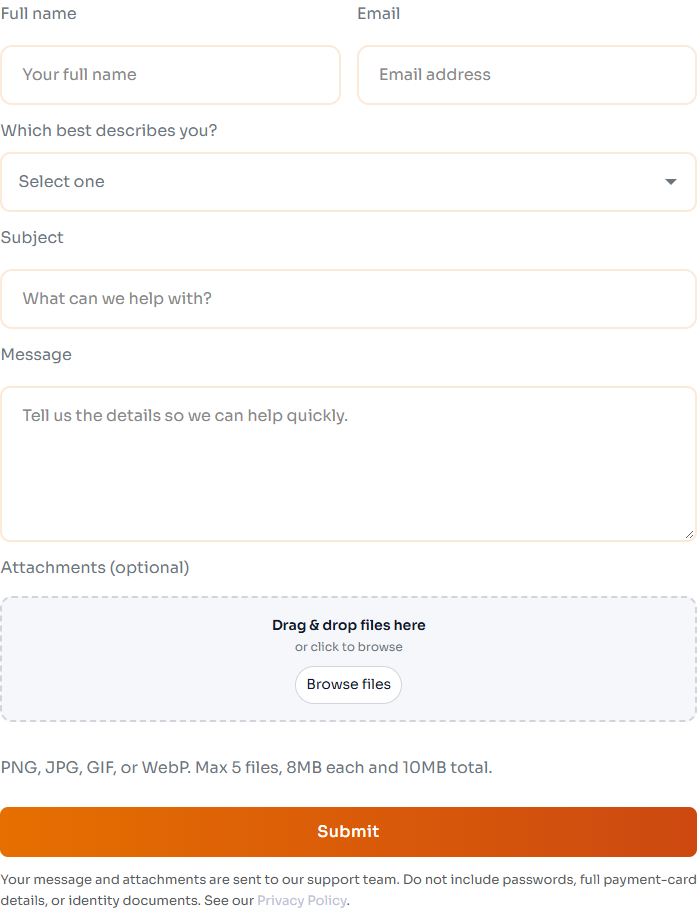
Use Contact Us to explain the proposed task and ask about platform rules. Do not attach unnecessary private information.
Do not post or offer on the task until you have checked the applicable law and platform rules. Contact SpotOnTask Support with a description that does not expose private information.
Potential breaches may lead to removal, a warning, restrictions, suspension, or termination depending on the circumstances. See the Terms and Conditions and unacceptable behaviour guide.
Report an existing task
If an existing task appears to breach these rules, use its Report control where available. Choose the closest category, explain the concern, and select Send Report. See how to report content or a safety concern for the full steps.
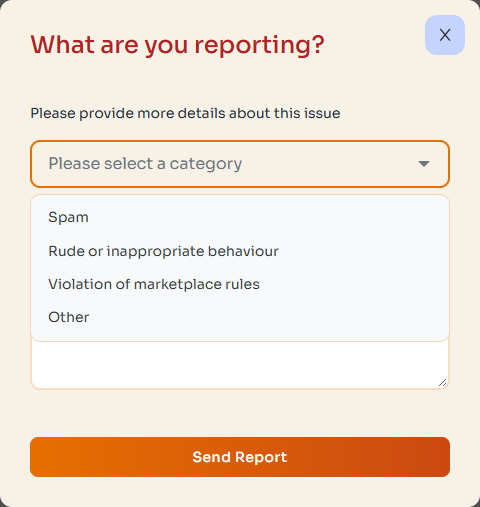
Give factual details about the suspected breach. A report requests review; it does not automatically cancel the task or change its payment.