


SpotOnTask expects Posters and Workers to follow through once a task is funded and assigned. If plans change, use the cancellation controls in My tasks and review the result carefully before confirming.
Poster and Worker cancellations work differently. The rules below describe the current platform process.
Before cancelling a task
- Use task chat to explain the problem and see whether a reasonable change of date, time, or scope can resolve it.
- Keep agreements and evidence on SpotOnTask.
- Do not arrange an off-platform refund or replacement payment.
- Read the cancellation preview or warning before confirming. A cancellation cannot be treated as a temporary pause.
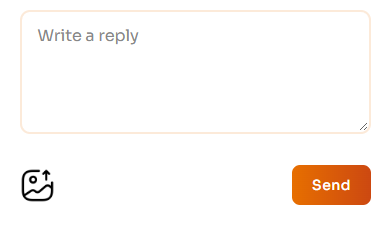
Discuss the problem and possible changes in task chat before cancelling. Sending a message does not itself cancel a task.
If the Poster cancels
The Poster can cancel an eligible task from My tasks. Before confirmation, SpotOnTask shows the payment held, the applicable fee, the amount added to the task credit balance, and any original task credits being restored.
Task has not been assigned
The payment-processing transaction fee is deducted from the card-funded amount. The remaining eligible card-funded amount is added to the Poster's SpotOnTask task credit balance. It is not returned automatically to the card.
Task has been assigned
SpotOnTask compares the configured Poster cancellation fee with the payment-processing transaction fee and applies the larger amount. The cancellation preview shows whether the deduction is labelled a Platform fee or Transaction fee and shows the exact amount before the Poster confirms.
After the deduction, the remaining eligible card-funded amount is added to the Poster's task credit balance. Task credits used to fund the task are restored separately where applicable. The task and its payment are then recorded as cancelled and refunded.
A Poster cannot use the normal cancellation action after the task is completed or after payment has been released. A disputed payment also cannot be cancelled through this action; contact support instead.
If the Worker cancels
An assigned Worker can cancel an assigned or in-progress task before submitting completion. The current Worker cancellation process does not deduct a cancellation fee from the Worker's future payouts.
When the Worker cancels:
- The task reopens so the Poster can choose another Worker.
- The cancelled Worker's accepted offer returns to pending.
- Other offers that were automatically declined when the task was assigned are restored for the Poster to review.
- The cancellation is recorded in the Worker's 30-day cancellation window.

The assigned Worker can open Cancel task from My tasks. Read the warning before confirming; the Poster's cancellation flow is different.
Worker cancellation restrictions
Repeated Worker cancellations temporarily restrict marketplace access:
- First cancellation within the 30-day window: the Worker cannot make offers for 2 days from that cancellation.
- Second cancellation within the same window: the Worker cannot make offers for 7 days from the second cancellation.
- Third cancellation within the same window: SpotOnTask shows a final warning and, if the Worker continues, temporarily bans the account for 7 days.
The window starts with the first recorded cancellation and the count resets after that 30-day window expires. These restrictions are applied by the platform; they are not cancellation fees.
There is no automatic 48-hour cancellation
SpotOnTask does not automatically cancel a task because a cancellation request was unanswered for 48 hours. A Poster or assigned Worker must use the applicable cancellation action, or contact support when the normal action is unavailable or the payment is disputed.
Worker fees on completed tasks
When a Worker makes an offer, SpotOnTask calculates the applicable deduction and shows both the fee and You'll receive amount before submission. The platform compares its configured Worker platform fee with the payment-processing transaction fee and uses the larger amount.
The Worker fee is stored with the offer and the net amount is credited to the Worker when the Poster releases payment. It is not calculated from membership tiers or reduced automatically for repeat Posters.
Responsibilities of Posters and Workers
- Describe and review the task, timing, budget, location, and required result before an offer is accepted.
- Ask questions and keep scope changes in task chat.
- Only accept or undertake work you are ready and qualified to complete.
- Confirm access, materials, licences, equipment, and scheduling before work begins.
- Communicate promptly if a delay or safety issue arises.
- Follow the Terms, Community Standards, and applicable laws.
Exceptional or disputed circumstances
The cancellation workflow does not automatically waive fees based on a published list of circumstances. If an emergency, safety issue, illegal request, payment dispute, or platform error prevents completion, contact support as soon as possible and provide relevant evidence. Support can review the task and available payment actions, but an adjustment is not guaranteed.
Checking the outcome
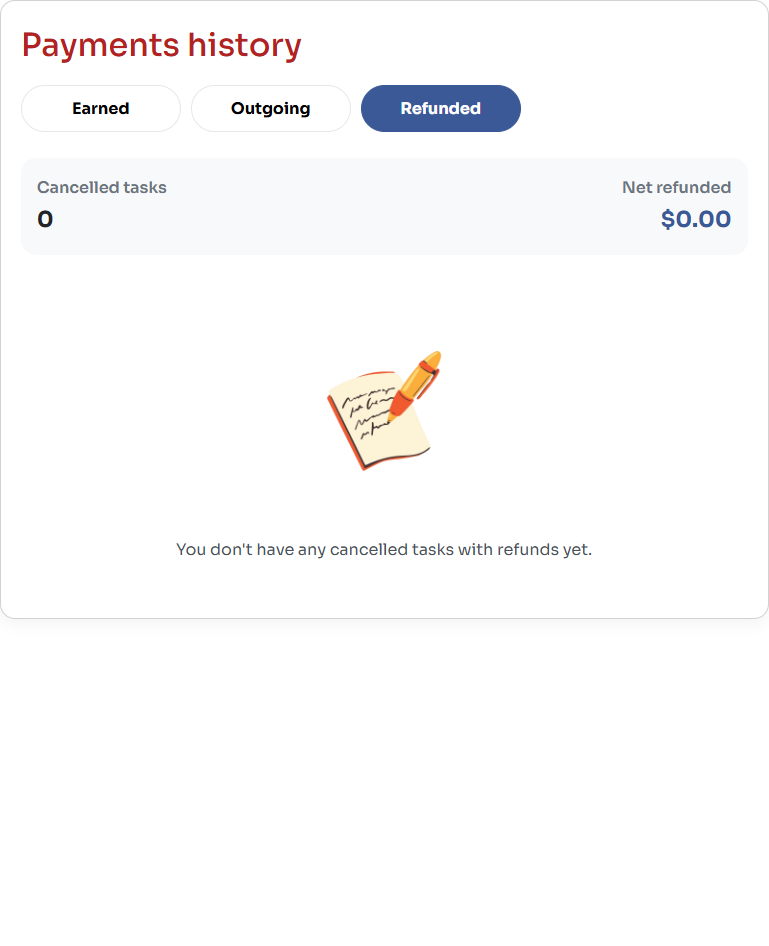
Select Refunded to check recorded cancellation refunds. This example has no refunded tasks and is not a cancellation-fee preview.
Posters can review cancelled and refunded entries in Payment history. If the displayed fee or returned credit appears wrong, contact support with the task ID, cancellation date, preview or invoice, and screenshots that do not contain sensitive payment information.